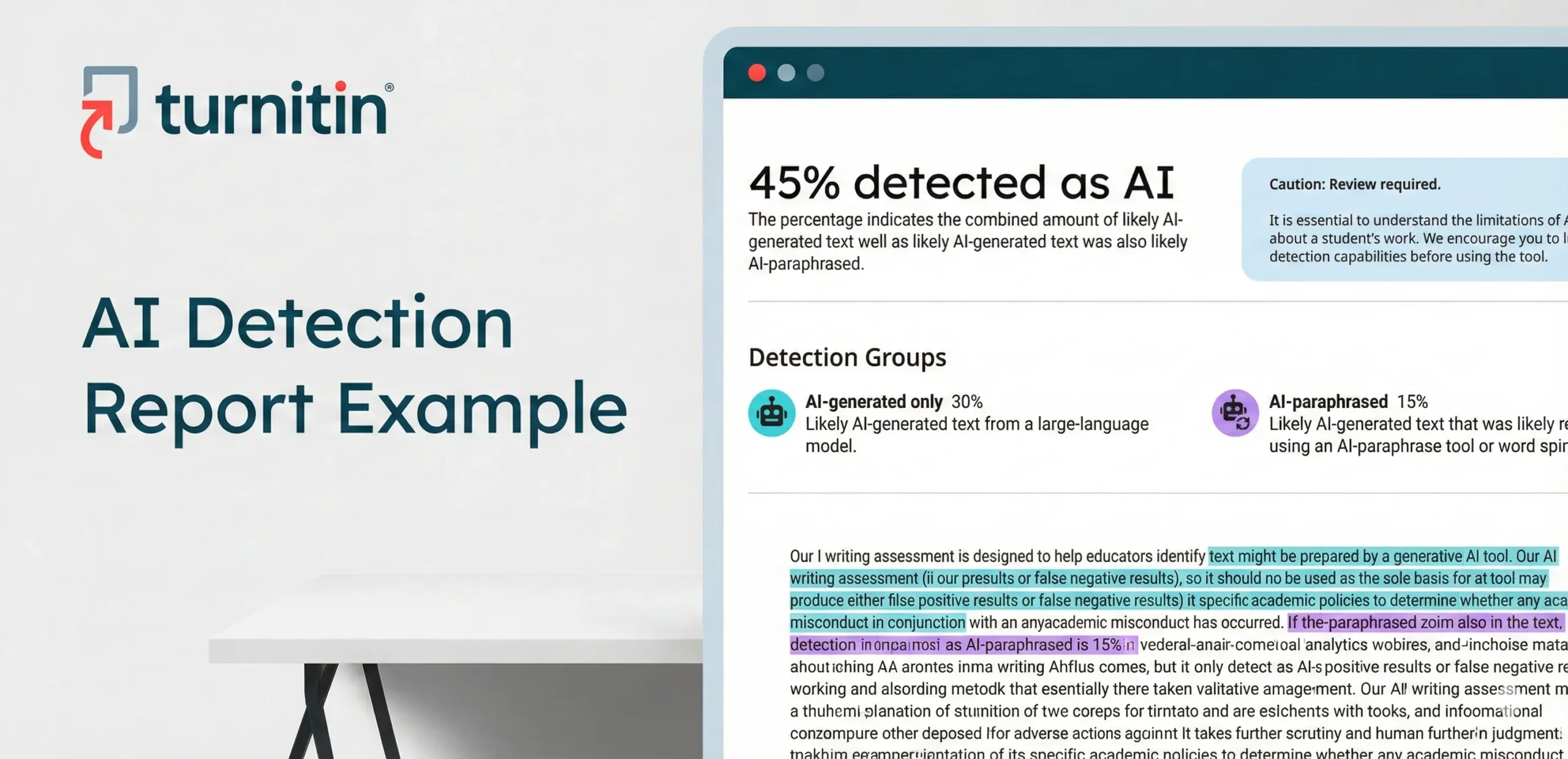
Many students feel anxious when submitting academic work because they are unsure what their Turnitin AI detection result will look like. Unlike similarity reports, AI detection reports can feel confusing, especially when a high percentage appears without much context.
This article provides a realistic Turnitin AI detection report example in PDF format. By reviewing this example, you will understand how the AI Writing Overview is presented, what the detection percentage means, and how to interpret the results responsibly before submission.
A Realistic Turnitin AI Detection Report Example
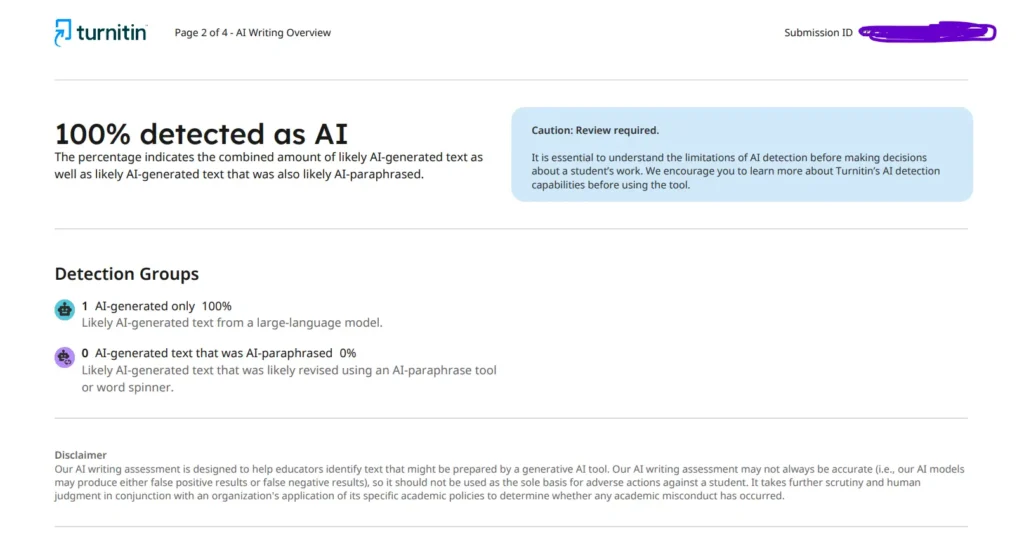
Below is a sample view of a standard Turnitin AI Detection PDF report, specifically the AI Writing Overview section. For this example, the document received a 100% AI-detected score.
This percentage represents the combined amount of text that Turnitin identifies as likely AI-generated, including any text that may have been generated by a large-language model.
Please note that this example is provided strictly for educational purposes. Actual AI detection results will vary depending on writing style, content structure, and language patterns.
What Turnitin AI Detection Report Shows
A Turnitin AI detection report is delivered as a static PDF document, making it easy to review and share. Unlike similarity reports, it does not list matched sources or plagiarism percentages.
Here is what this 100% AI detection report example shows:
1. AI Writing Overview
The AI Writing Overview page includes:
- A clear AI detection result e.g., “100% detected as AI”
- A caution notice stating that review is required, emphasizing the importance of understanding the limitations of AI detection before making decisions about a student’s work. The report encourages users to learn more about Turnitin’s AI detection capabilities before relying on the result.
The percentage indicates the combined amount of likely AI-generated text, including text that may have been edited or paraphrased by AI tools or word spinners such as quillbot.

2. Detection Groups
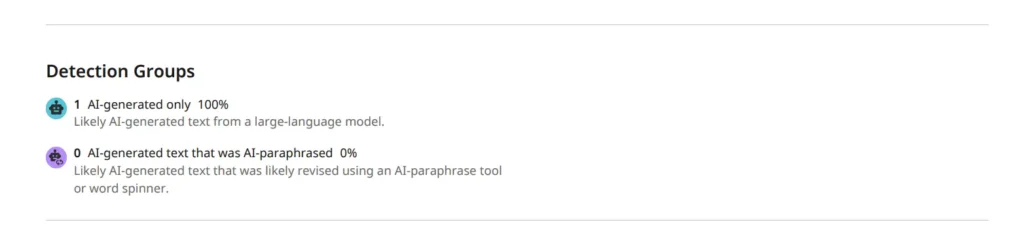
The report breaks down AI findings into detection groups:
- AI-generated only – 100%
Text that Turnitin’s model identifies as likely generated by a large-language AI system. - AI-generated text that was AI-paraphrased – 0%
Text that may have been revised using an AI paraphrasing tool or word spinner.
This breakdown helps reviewers understand how the AI content appears, rather than simply seeing a single number.
3. Disclaimer Section
Each Turnitin AI detection report contains a formal disclaimer explaining that:
- AI detection models may produce false positives or false negatives
- Results should not be the sole basis for disciplinary action
- Academic decisions must consider institutional policies and instructor review
This disclaimer is a critical part of the report and confirms that AI detection results are probabilistic, not absolute.

4. AI Highlight Categories and Colors in Turnitin
Turnitin separates detected AI content into two visual categories to show how the text was likely produced or modified.
a). AI-Generated Text (Cyan Highlight):
This category refers to text that Turnitin identifies as likely created directly by a large language model (LLM). In some cases, the text may have undergone minor AI-based adjustments, such as the use of AI bypass tools. Content in this category appears highlighted in cyan within both the submission text and the submission breakdown bar.


b). AI-Generated and AI-Paraphrased Text (Purple Highlight):
This category covers text that appears to have been initially generated by AI and then further altered using an AI paraphrasing or word-spinning tool (for example, tools similar to QuillBot). These sections are shown in purple in the submission breakdown bar and directly within the document.

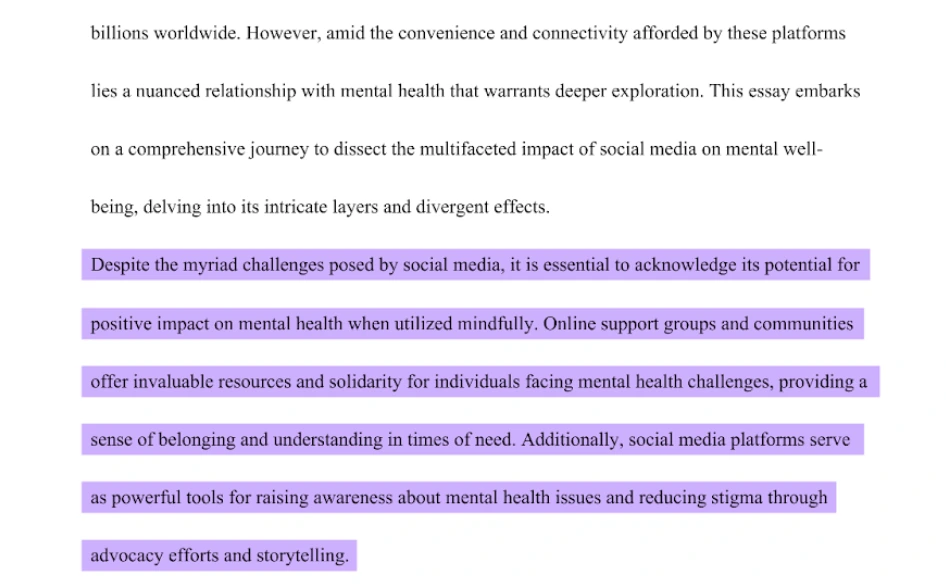
These color distinctions allow instructors to quickly see how AI-detected content is distributed throughout a submission, rather than relying solely on the overall AI percentage.
AI Detection Score Breakdown (Brief)
Turnitin AI detection percentages represent likelihood, not certainty. Higher scores suggest stronger AI-generated patterns, but they still require contextual review.
Important note:
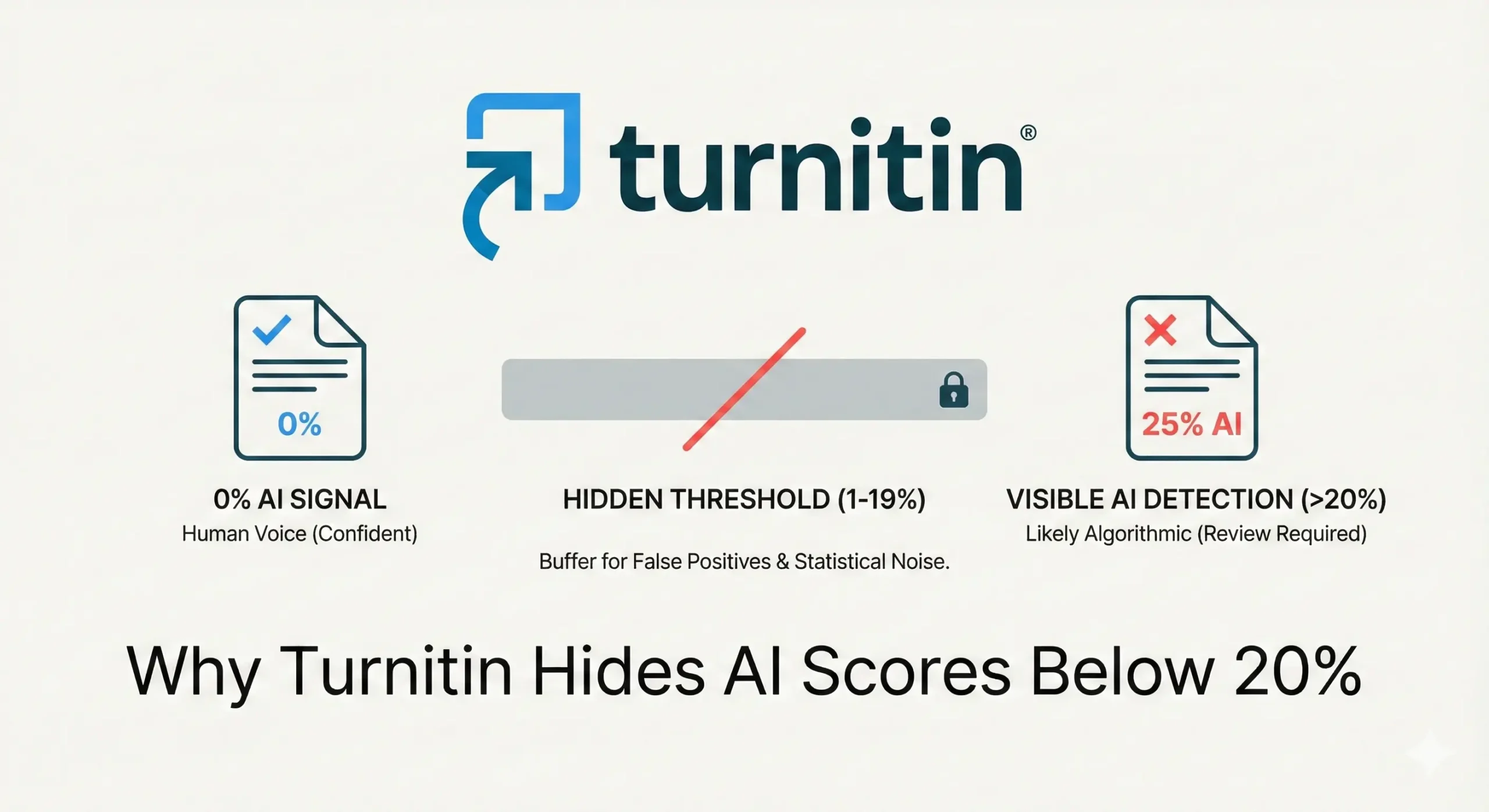
For AI detection scores between 1% and 19%, Turnitin does not display a numerical percentage in newer reports. Instead, it shows an asterisk (*%), indicating that the amount of detected AI content is minimal and more likely to produce false positives.
Learn more here.
A 100% score, like the example shown in this report, indicates extensive AI-generated patterns across the document. However, even at this level, Turnitin advises that the result must be reviewed carefully and interpreted alongside academic policies.
Conclusion
This article provides a realistic Turnitin AI detection report example in PDF format, showing exactly what students and educators may see after an AI content check. Every report is unique, but understanding the layout and meaning of the AI Writing Overview can reduce confusion and anxiety.
At PlagAiReport.com, we provide Turnitin checks with clear, original AI detection PDF reports, allowing you to review results in advance and make informed academic decisions before submission.
You can view or download the full PDF of this Turnitin AI detection report example below.
Please be assured that while we offer Turnitin check services, we never use a client’s paper on our website or as an example. Protecting your work is our priority; it is strictly against our policy to share or publish documents submitted to us, as we deeply respect our clients’ privacy. Any paper example posted on our website is created specifically for demonstration purposes and is NEVER a real student or client document.
Check out Turnitin Similarity Report Example.
Was this helpful?