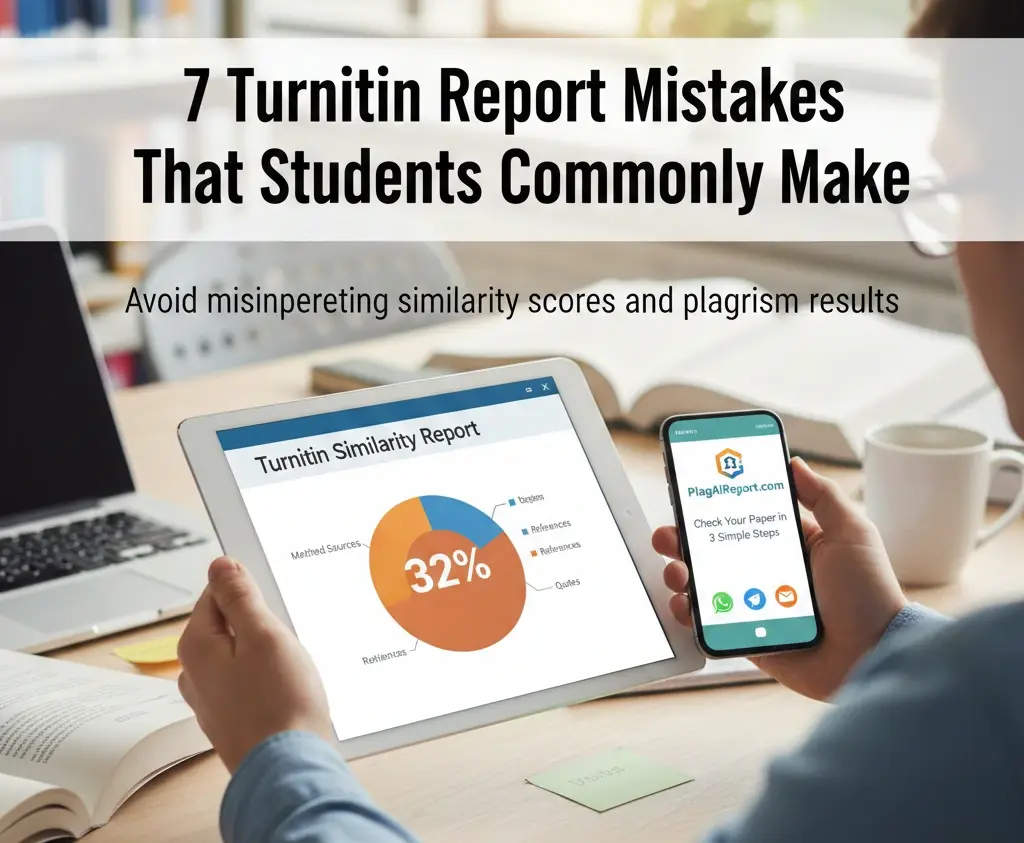
The notification pings. You log in to your student portal, and there it is: your Turnitin similarity report. For many students, seeing a bright yellow or red percentage bar triggers an immediate sense of dread. Whether the number is 15% or 45%, the initial reaction is often the same—panic.
However, after years of helping students navigate academic integrity, we have noticed a recurring pattern. Most of the stress surrounding these reports doesn’t come from actual plagiarism; it comes from misunderstanding how the software works. In 2024 and 2025, Turnitin’s algorithms have become more sophisticated, yet the myths surrounding them persist.
At PlagAiReport.com, we believe that a Turnitin report should be a tool for improvement, not a source of anxiety. To help you navigate your next submission with confidence, we’ve compiled the seven most common Turnitin report mistakes students make and how you can avoid them.
1. Assuming a High Similarity Score Automatically Means Plagiarism
This is perhaps the single biggest misconception in academia. Many students believe that if their Turnitin similarity report shows a score of 25% or higher, they have “failed” the plagiarism check.
The Reality: Turnitin does not detect plagiarism; it detects similarity.
Plagiarism is the act of passing off someone else’s work as your own. Similarity, on the other hand, is simply the overlap of text between your paper and Turnitin’s massive database of journals, websites, and student papers. A high score could be caused by:
- Lengthy, properly cited direct quotes.
- A comprehensive bibliography or reference list.
- Commonly used phrases in a specific field (e.g., “The United Nations Framework Convention on Climate Change”).
- The inclusion of the assignment prompt or cover page.
The Fix: Don’t panic at the number. Instead, look at what is highlighted. If the matches are citations or technical terms, your academic integrity is likely intact.
Related Reading: Why a High Similarity Score Isn’t Always Plagiarism
2. Ignoring the Matched Sources List
When a student sees a high score, they often focus solely on the percentage and neglect the “Match Overview” panel on the right side of the screen. This is a critical student Turnitin mistake.
Each highlighted section in your paper corresponds to a specific source. If you don’t review these, you might miss crucial context. For example:
- Small Matches: You might see dozens of 1% matches. Usually, these are just common idioms or “strings” of words that aren’t plagiarism.
- Large Matches: If a single source accounts for 15% of your paper, that is a red flag. It suggests you’ve relied too heavily on one author, even if you’ve cited them.
- Self-Matches: Did you submit a draft earlier? Or perhaps you are building on a paper you wrote last semester? Turnitin might flag your own previous work.
The Fix: Click through each source in the report. If you see a match to a paper you wrote previously, inform your instructor immediately to avoid “self-plagiarism” flags.
3. Thinking Turnitin “Fails” or “Passes” Papers
One of the most persistent common Turnitin errors in student thinking is the belief that the software acts as a judge. You might hear peers say, “My professor sets the pass mark at 15%.”
In reality, Turnitin does not have a “pass/fail” setting. It is a text-matching engine. The “judgment” is always made by the human instructor. Most universities do not have a hard percentage limit because different subjects require different levels of similarity. A law paper full of case names and statutes will naturally have a higher similarity score than a creative writing piece.
The Fix: Stop looking for a “magic number.” Focus on ensuring every highlighted section is either properly quoted, paraphrased, or a common technical term that doesn’t require a citation.
4. Over-Paraphrasing or “Word Spinning”
When students see a match, a common (and risky) reaction is to use a thesaurus to swap out every third or fourth word. This is often called “word spinning” or “patchwriting.”
Modern Turnitin algorithms are incredibly good at identifying the structure and logic of a sentence, even if the specific words are changed. If you keep the original author’s sentence structure but just swap “big” for “enormous,” Turnitin will likely still flag the passage. Worse, “word spinning” often results in awkward, non-human-sounding prose that signals to an instructor that you are trying to “beat the system.”
The Fix: Instead of swapping words, close the source document, think about the core idea, and rewrite the concept from scratch in your own voice. This is the difference between “masking” similarity and true academic writing.
Learn more about The Difference Between Plagiarism, Paraphrasing, and Direct Quotes in a Turnitin Report.
Read also: Can Turnitin Detect AI humanizing tools Content or word spinners?
5. Forgetting That References and Quotes Can Increase Similarity
It is a common shock for students: “I cited everything perfectly, why is my score 30%?”
By default, Turnitin highlights everything that matches its database. This includes:
- Your Reference List: Since many students cite the same popular papers, your bibliography will almost always be highlighted.
- Direct Quotes: Even if they are inside quotation marks, they are still “similar” text.
While instructors can “Exclude Bibliography” or “Exclude Quotes” when they view your report, many students see the un-filtered report first and panic.
The Fix: Check if your matches are mostly in the references section. If they are, you haven’t done anything wrong. Ensure your quotes are properly formatted with “…” so that when your professor reviews the paper, they can easily see why those matches exist.
6. Submitting Without Reviewing the Report
Many students treat Turnitin as the “final step”—they upload their paper and never look at the report, assuming that if they didn’t intentionally cheat, they are safe. This is a missed opportunity.
Understanding Turnitin similarity before your final grading can help you catch:
- Accidental Plagiarism: Realizing you forgot to put quotation marks around a sentence you copied into your notes.
- Citation Errors: Seeing a match and realizing you forgot to add the in-text citation at the end of the paragraph.
- Formatting Issues: Sometimes, copy-pasting from a PDF creates strange spacing that Turnitin flags as an error.
The Fix: Use a service like PlagAiReport.com to get a “pre-check” report. This allows you to see what the instructor will see before the official deadline, giving you time to make corrections.
Related Reading: How to Read and Understand a Turnitin Similarity Report (2025 Guide)
7. Panicking Instead of Revising Strategically
The final mistake is emotional. When a student sees a “Red” or “Orange” status, they often delete whole paragraphs or, in a moment of stress, try to use “AI bypasser” tools which often make the paper unreadable and trigger AI detection flags.
The Fix: Take a breath. How to read a Turnitin report effectively involves a three-step logical check:
- Is it a quote? If yes, is it cited? (If yes, leave it alone).
- Is it a common phrase? (e.g., “In the current socio-economic climate…”). (If yes, leave it alone).
- Is it a block of text that should be my own words? (If yes, this is the only part you need to rewrite).
How to Correct Turnitin Report Mistakes Before Final Submission
If you’ve identified mistakes in your report, don’t just delete text. Follow this strategic approach to improve your paper:
- Filter the Results: If your software allows, exclude quotes and bibliography to see your “true” similarity score.
- Verify Every Highlight: Go through the matches one by one. If a match is more than 7–10 words long and isn’t a proper noun or a quote, it needs a citation or a rewrite.
- Strengthen Your Paraphrasing: If you find you’ve followed an author’s structure too closely, rewrite the section. A good trick is to explain the concept out loud to a friend, then write down exactly what you said.
- Check for “AI” Flags: In 2025, Turnitin’s AI detection is a major factor. Ensure your voice is consistent. If you used AI to help brainstorm, make sure the final writing is 100% your own.
Internal Link: How to Reduce Turnitin Similarity Without Changing Meaning
Conclusion
Turnitin is not a “gotcha” machine designed to catch criminals; it is a mirror reflecting how much of your work relies on external sources. The most common Turnitin plagiarism check mistakes are almost always rooted in a lack of familiarity with the report itself.
By understanding that similarity not equal to plagiarism and by taking the time to review your matches strategically, you can submit your work with total peace of mind. Remember, the goal of university writing is to develop your own voice. Use Turnitin to ensure that voice is clear, cited, and uniquely yours.
Frequently Asked Questions
What are the most common Turnitin report mistakes students make?
The most common mistakes include panicking over a high percentage without checking the sources, ignoring matches in the reference list, and trying to “spin” words rather than truly paraphrasing the ideas.
Does a high similarity score always mean plagiarism?
No. A high score simply means there is a lot of overlapping text. This could be due to long quotes, a large bibliography, or the use of common technical terminology required for the assignment.
Should I worry if my references are highlighted?
Generally, no. Reference lists and bibliographies are almost always highlighted because other students and researchers have cited the same works. Most instructors ignore these matches.
Can Turnitin detect paraphrasing mistakes?
Yes. Turnitin’s “Fingerprinting” technology can identify when a student has simply swapped a few words but kept the original author’s sentence structure and flow.
What should I do before submitting my final paper?
Always review a preliminary similarity report. Check that all highlighted sections are either properly cited quotes or your own original wording. If you’re unsure, visit your campus writing center or use a professional check service.
Ready to see where you stand? Don’t leave your grades to chance. Share your document via WhatsApp or Email and get your official Turnitin and AI Detection reports in just 10 minutes.
Was this helpful?